Discover notes across cohorts
Some of the best resources for a course were made by students who took it last year. The Notes across cohorts view gathers every shared note for a course you can see — this year's and earlier — grouped by cohort, so a great summary from a past year surfaces without you having to track down whoever wrote it.
A note appears here only if its author turned Also visible to future cohorts on when sharing it. Cohorts are scoped to your school — notes never cross between schools.
- 🖥 Web
- 📱 Mobile
-
Open Library from the navigation.
-
Find the Notes from past cohorts — pick a course card at the end of the grid and pick the course you're interested in. With a course filter already active, the same card offers Browse notes across cohorts directly.
-
The Notes across cohorts page opens, with a section per cohort headed Class of its year. The most useful notes sit at the top of each section.
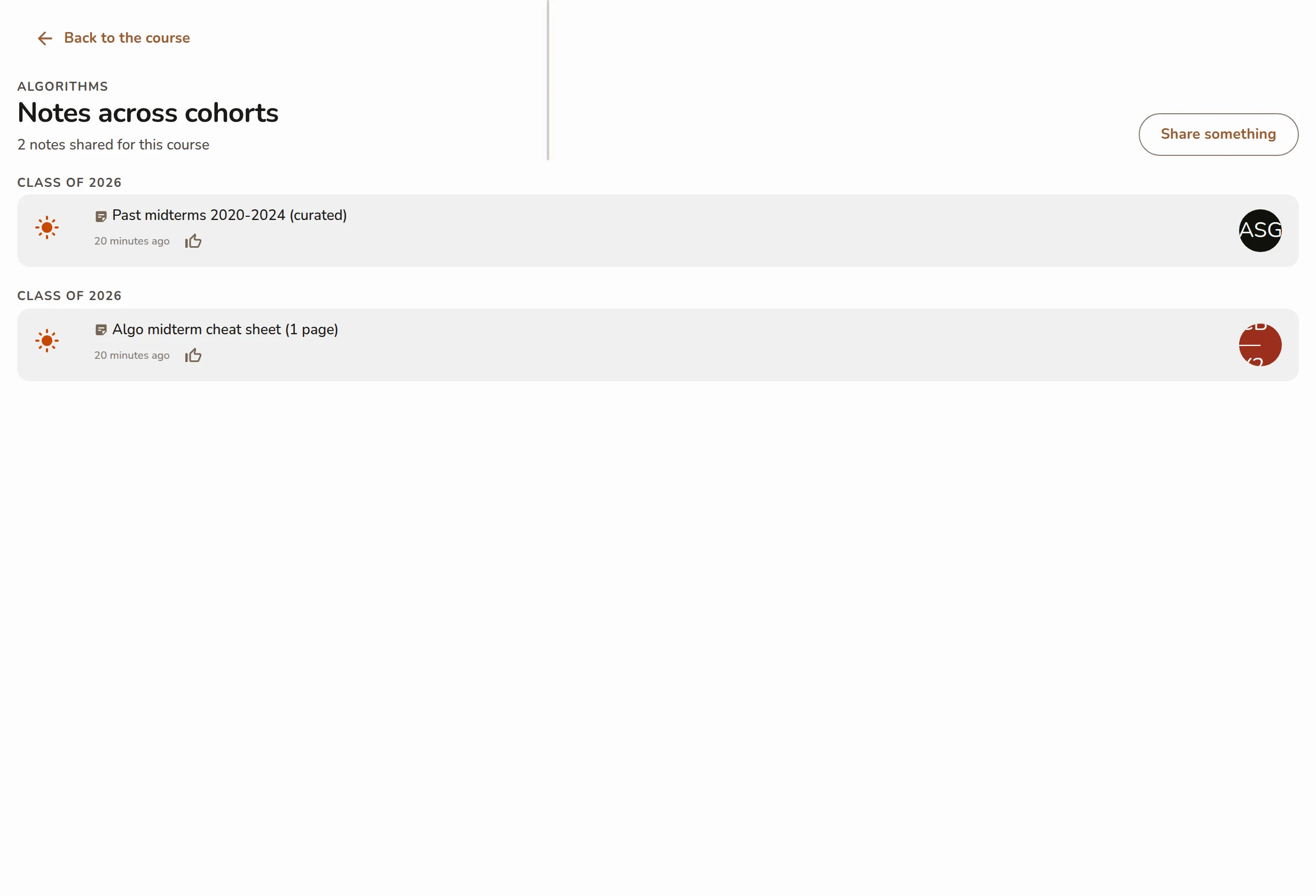
The Notes across cohorts page with a section per cohort headed Class of its year, most-useful notes first -
Click any note to open it, just like in the Library.
-
Open the Library tab and open the course you're interested in from the Your courses shelf.
-
Open its shared notes to reach the Notes across cohorts screen, with a section per cohort headed Class of its year.
Screenshot coming soonThe mobile Notes across cohorts screen with cohort sections headed Class of its year -
Tap any note to open it.
Sharing something you'd have loved to find yourself? Turn Also visible to future cohorts on when you share it — see Quick-capture a resource — and it becomes part of next year's class's discovery view.