Start a focus session
A focus session is Latte's calm "time on task" timer — no countdown, no target, just a quiet count-up of how long you've been focused. Starting takes zero setup, because the win is finishing the task, not a timer reaching zero.
You launch a focus session from the task Latte suggests you work on next, so you'll want at least one open task first — see Create a task.
- 🖥 Web
- 📱 Mobile
-
On the Today page, look at the Up next card — the task Latte suggests you work on next.
-
Click Start focus. The session starts on that task and Latte opens the full-screen focus surface, already counting.
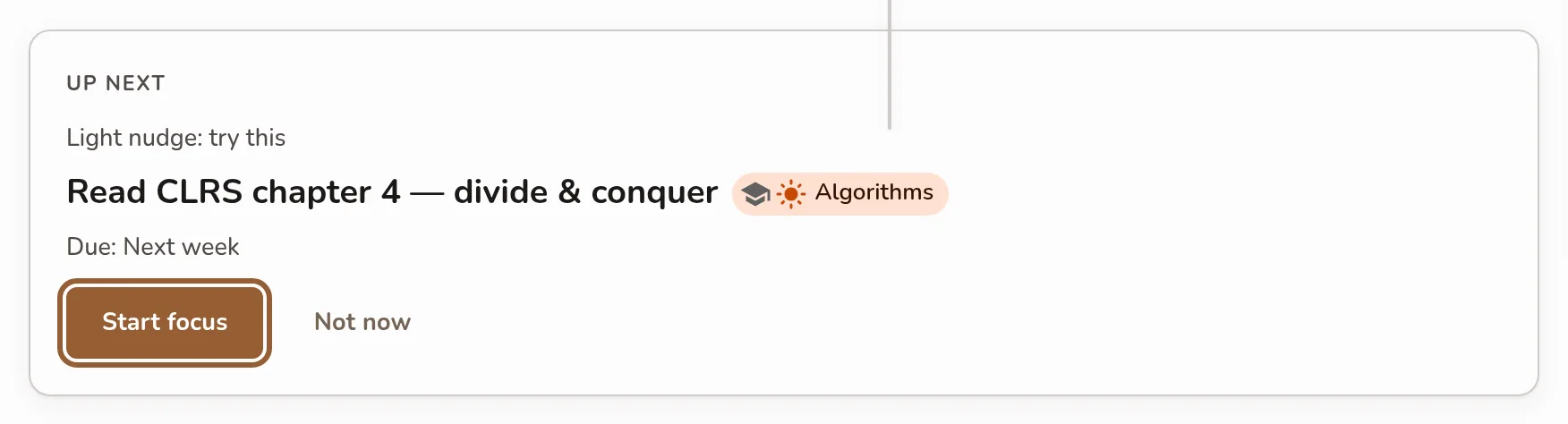
The Up next card on Today with the suggested task; the contained Start focus button is highlighted, Not now beside it. -
The first time, it asks Enable fullscreen to decrease distractions — accept to hide everything but your task, or decline to stay in the window. Your choice is remembered for next time.
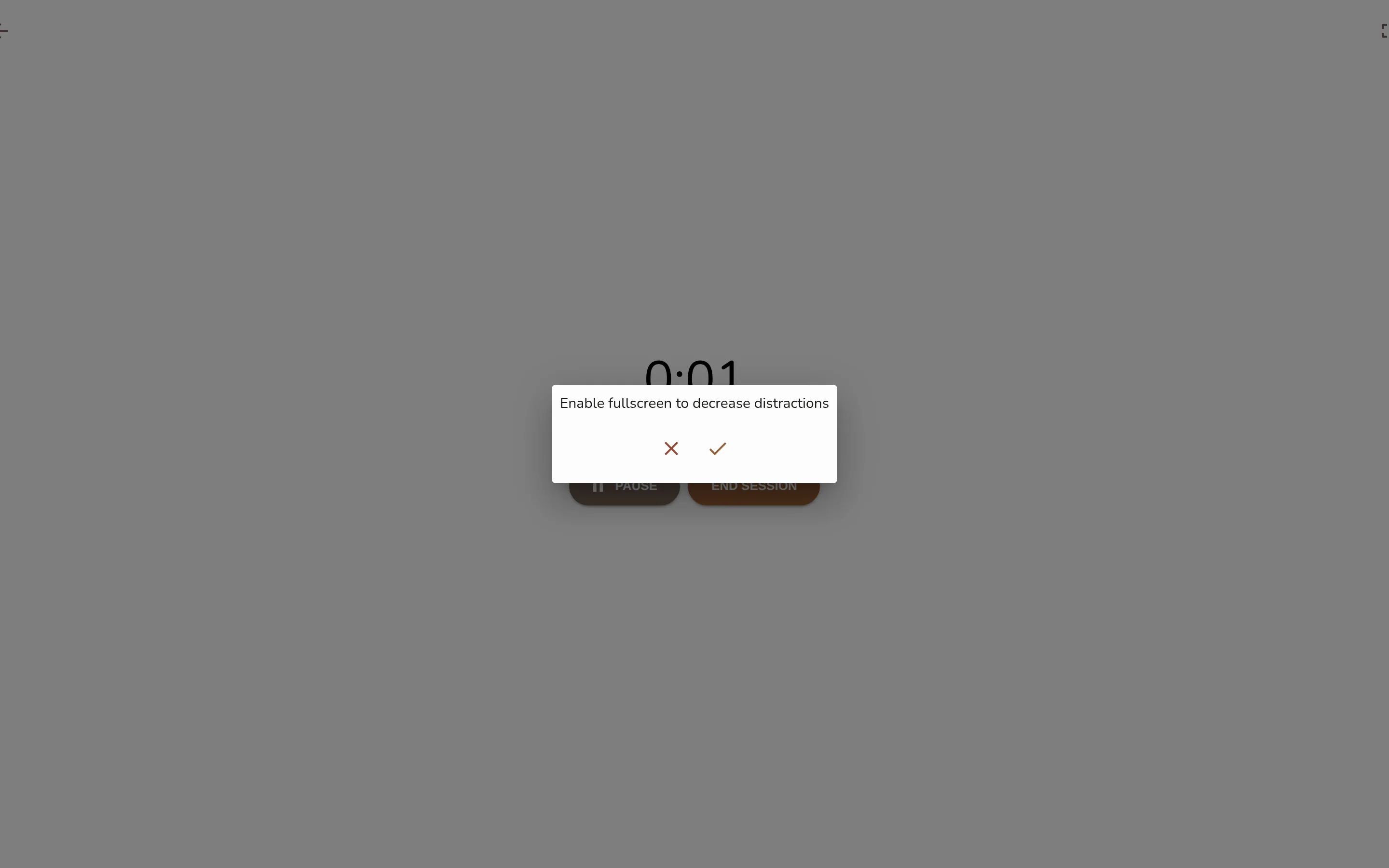
The full-screen focus surface just after starting: the task under "Focusing on", the large count-up with "focused so far" beneath, and the top-right Go fullscreen toggle. -
You can flip fullscreen any time with the toggle in the top-right — Go fullscreen or Exit fullscreen.
Opening the focus page from a bookmark or a typed address no longer starts a session by itself. You land on a start screen — Ready to focus? One task, one timer, no distractions. — with the timer at zero. Nothing runs until you press Start focusing, and Go back leaves quietly.
The desktop app works the same way; going fullscreen hides the window chrome too.
-
Open the Today tab.
-
On the recommended task's card, tap Focus — or Just start — 10 min to open the session with a soft ten-minute goal.
-
The focus screen opens and immediately starts counting your focused time.
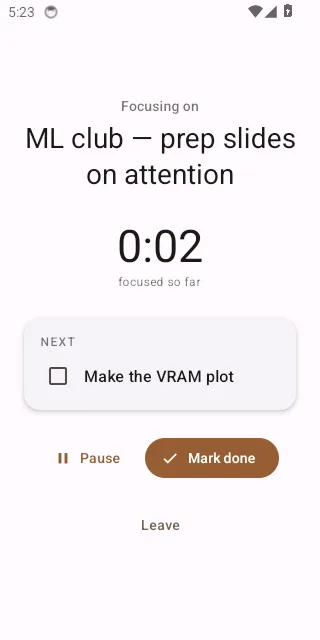
The mobile focus screen counting up, reached by tapping Focus on the Today tab's recommended-task card.
"Just start — 10 min"
The hardest part is starting, so the mobile recommendation card offers a smaller version of the job: Just start — 10 min opens a focus session on that task with the caption Goal: 10 min — stop anytime. It's a soft goal — the timer still counts up, nothing goes off at ten minutes, and leaving early costs you nothing. Plenty of ten-minute starts turn into an hour.
Focus starts the same session without the goal.
While a session is running, your status shows you're in a focus session, so friends can see you're heads-down. It flips back to idle the moment you leave or finish.