A tour of Latte
Latte keeps everything one click or tap away. Here's the lay of the land so you know where each thing lives — the layout differs a little between web and mobile, but the pieces are the same.
- 🖥 Web
- 📱 Mobile
The labeled navigation rail on the left gets you everywhere:
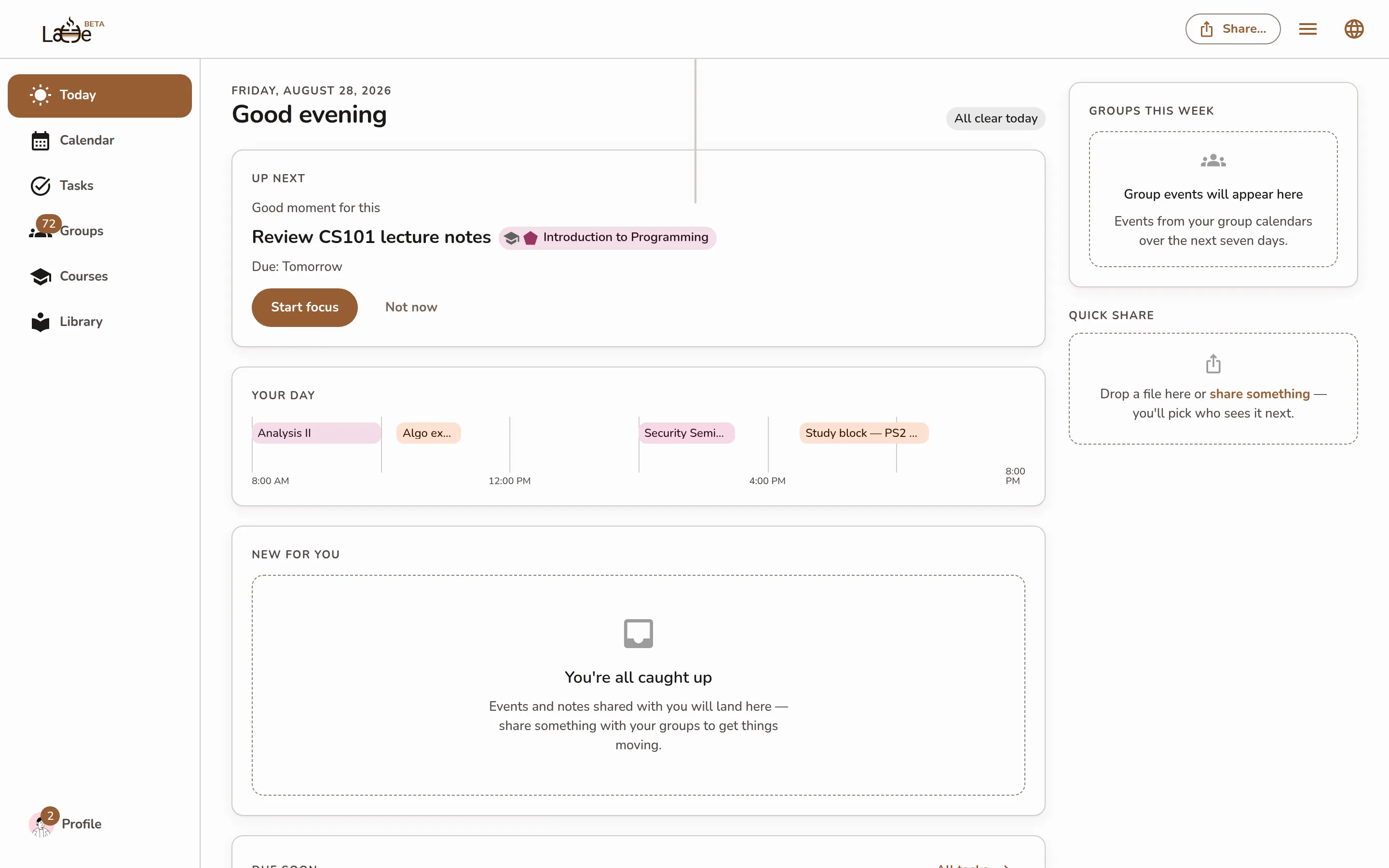
- Today — the page Latte opens to: your next three, what moved since yesterday, your day, and what's new for you.
- Calendar — your week, your events, and the schedule setup. Tasks lives here too: a Calendar | Tasks switch at the top of the page flips between the grid and your full task list.
- Groups — your group spaces and conversations, plus Discussions questions.
- Courses — every course you're registered for, with its dashboard.
- Library — everything shared with your groups plus your own uploads, in one searchable place.
Five destinations, on purpose. Tasks used to be a sixth item in the rail and now sits beside
Calendar instead — the same place the phone has always kept it. Your old /tasks bookmark still
works and lands you in exactly that view.
Pinned at the bottom of the rail: Upgrade (while you're on the Free plan) and Profile — your name, avatar, friends, and settings. The Share button in the top bar opens the share sheet from anywhere.
Old bookmarks keep working — the previous addresses (like the old Home dashboard and the pages under Resources) redirect to their new homes.
The bottom tab bar is home base:
- Today — your "what do I need to do now?" screen, and the tab Latte opens to: your next three, what moved since yesterday, and your agenda.
- Calendar — your schedule and your tasks, on two tabs at the top: Calendar and Tasks.
- Groups — group and private conversations.
- Library — shared resources, your courses, and shared events.
- Profile — your name, avatar, friends, and settings.
The + button floating above the tabs is Quick Capture — jot a note, task, or link. It sits on Today, Calendar, Groups, and Library, and steps aside once you open something from them, so it never covers the screen you're working in.
On both web and mobile, Today is your starting point — the same "what now?" answer, shaped for each screen.