Dark mode and appearance
Latte comes in light and dark, and you can pick an accent color to make it yours. Out of the box the web app follows your device: if your computer is set to dark mode, Latte opens dark — no setting to find first. That now includes the loading screen you see while Latte starts up, and the page you land on when you follow an invite link: both match your device's theme from the very first moment, instead of flashing light first. Your choice is remembered on the device you set it on, and the loading screen matches it too rather than the device setting it overrides.
- 🖥 Web
- 📱 Mobile
-
Click the menu icon in the top app bar.
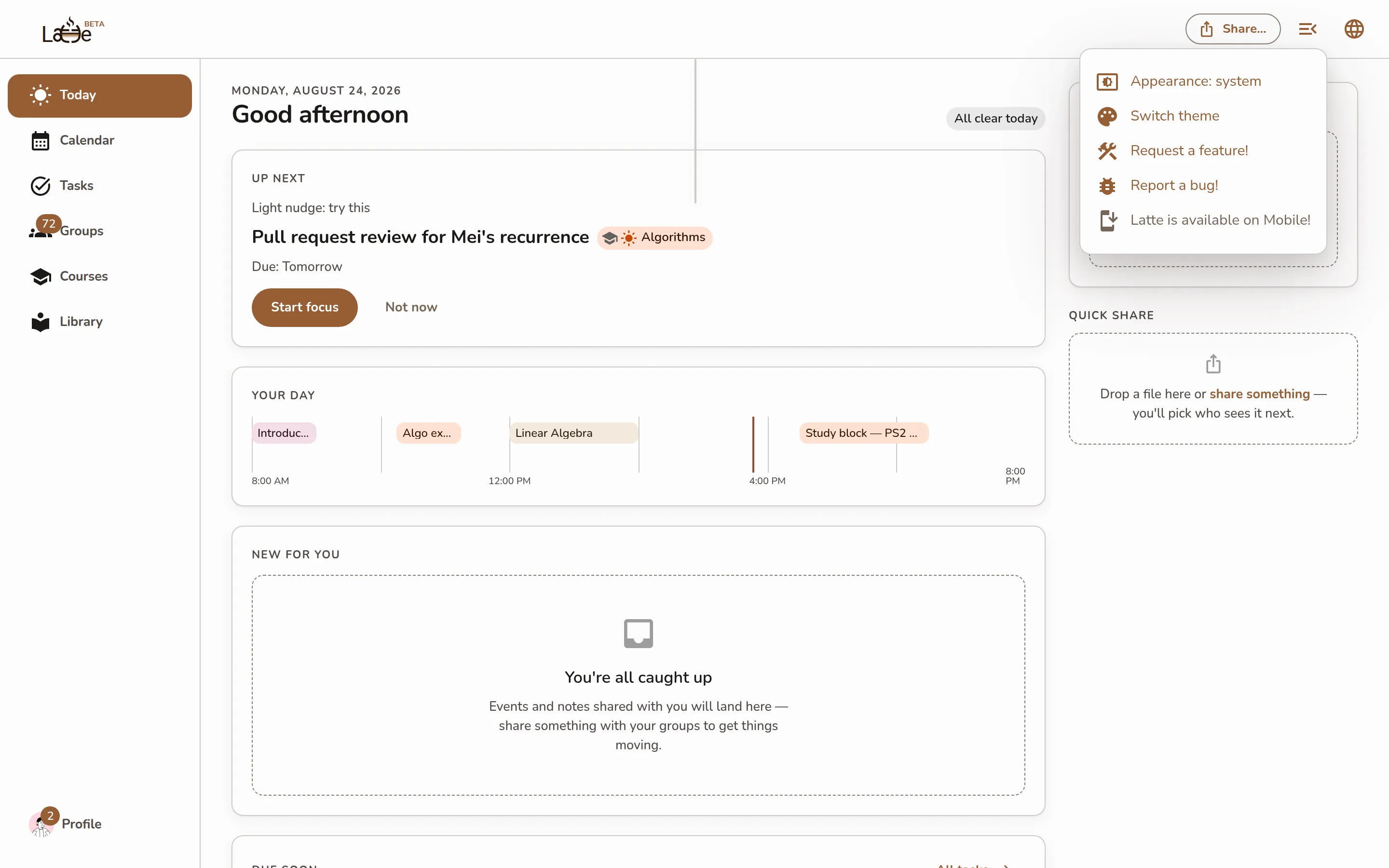
The app-bar overflow menu open, showing the Appearance: system entry (which cycles to light and dark) above Request a feature! and Report a bug! -
The appearance entry cycles through three states each time you click it — Appearance: system (follow your device), Appearance: light, and Appearance: dark. It starts on system, so Latte matches your device until you explicitly choose light or dark.
-
Click Switch theme to pick an accent color from the palette.
The desktop app has the same app-bar menu, so dark mode and accent color live in the same place.
-
Open your profile.
-
Under Appearance, use the Theme switch to turn dark mode on or off. The label shows Dark or Light to tell you which is active.
Screenshot coming soonThe Appearance section on the mobile profile with the Theme dark/light switch
The accent-color palette lives on the web and desktop app. On mobile you get the light/dark Theme switch.