Edit your profile
Your Latte profile is your picture, your display name, and your unique username — the handle friends use to add you. You can change all three at any time.
- 🖥 Web
- 📱 Mobile
-
Click Profile in the navigation to open your profile page.
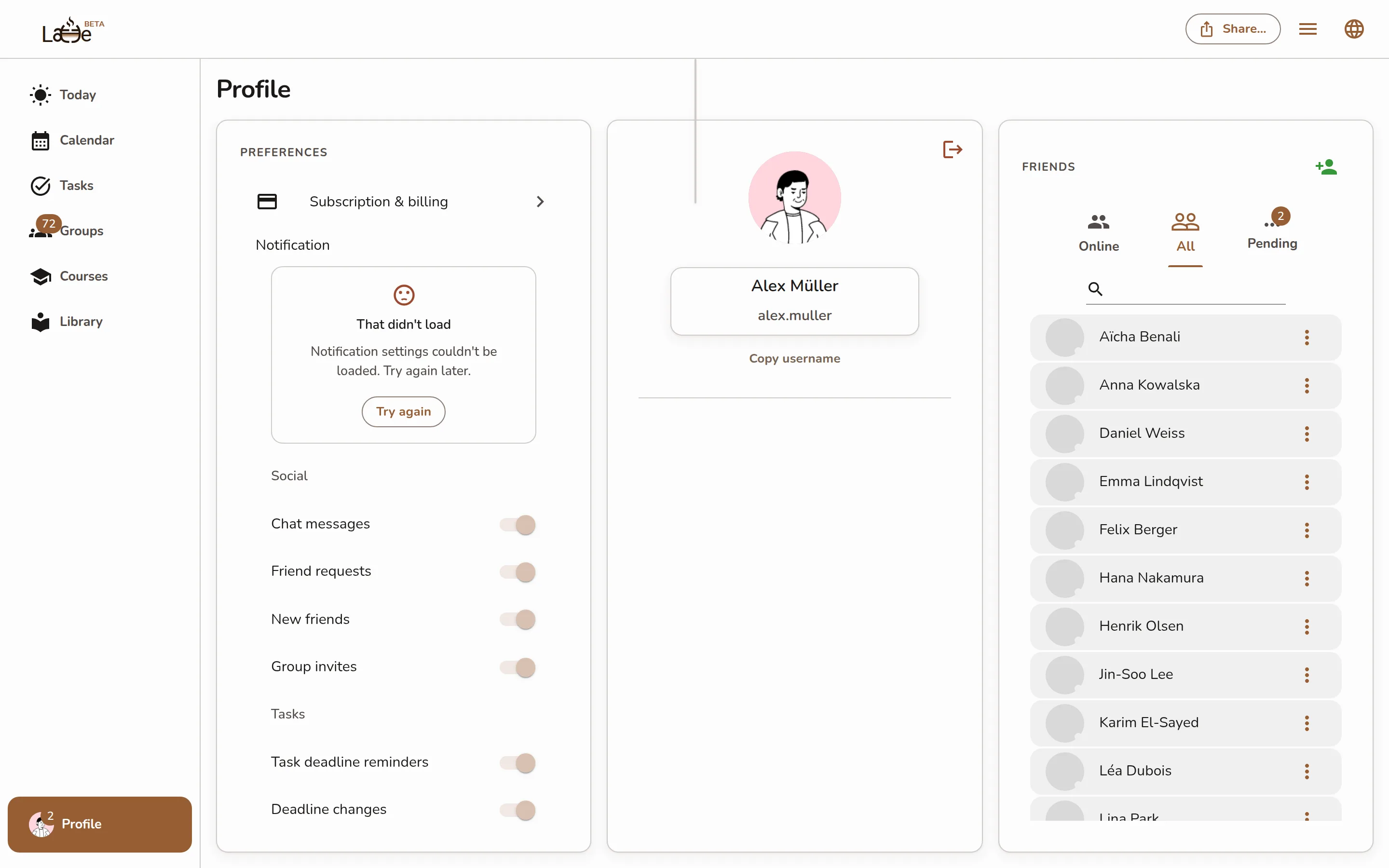
The profile page with the avatar, name/username card, and friends panel -
Click your avatar to change your picture, then choose or upload an image.
-
Click the card showing your name and username to open the edit dialog. Update the Display Name and Username fields, then click Confirm.
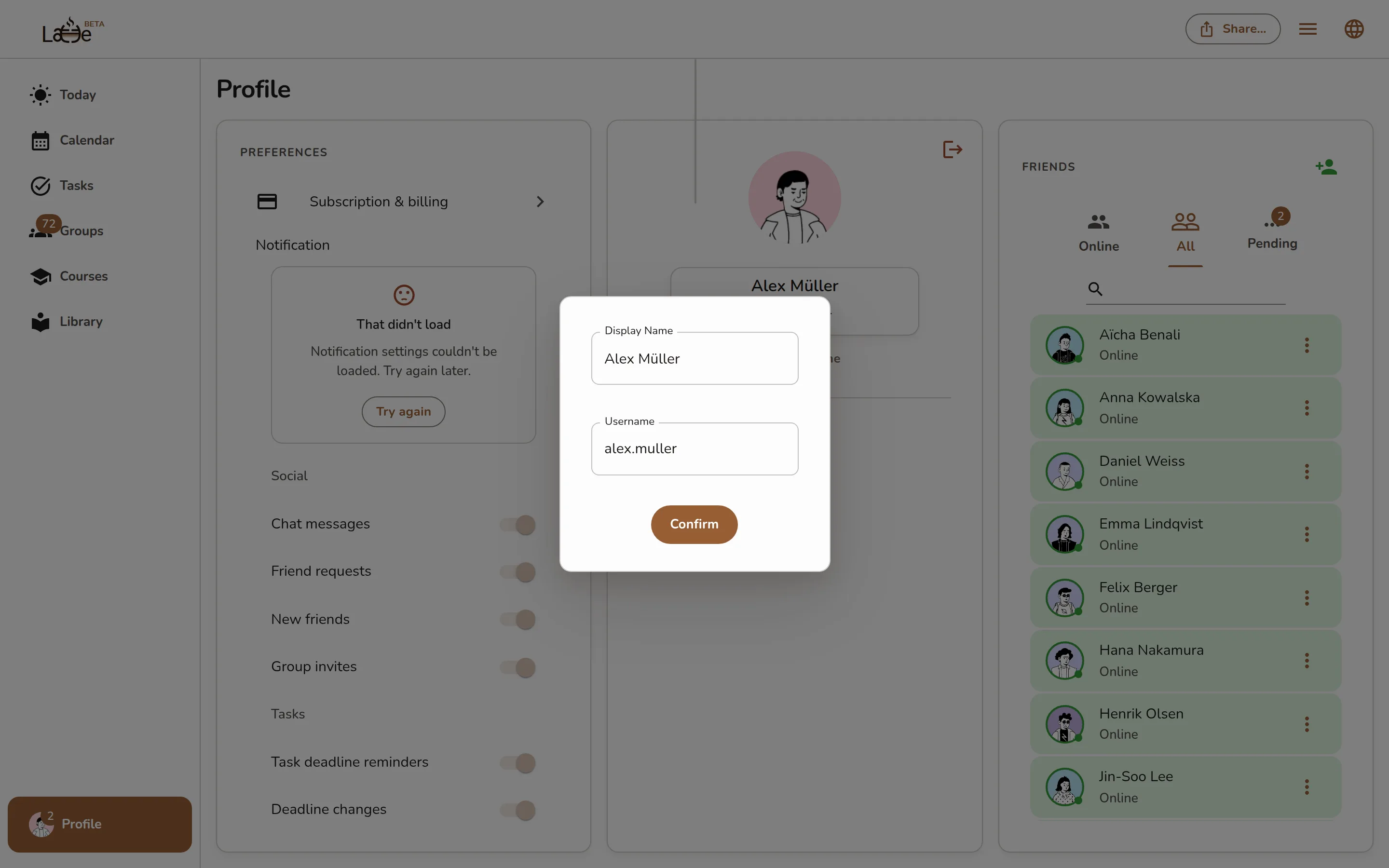
The edit dialog with the Display Name and Username fields and the Confirm button -
Click Copy username to copy your unique username so you can share it with a friend.
The desktop app shows the same profile page — edits sync everywhere you're signed in.
-
Open your profile.
-
Tap your profile picture to pick or upload a new one.
-
Under Display name, tap the text, edit it, and tap the check button to save. Do the same under Username.
Screenshot coming soonThe mobile profile screen showing the editable picture, Display name, and Username
Your Username is always lowercase and unique — it's how friends find you and send you a request. Your Display name is the name others see, and it doesn't have to be unique.