Manage friend requests
A friend request stays pending until it's answered. This is where you accept the requests people send you, decline the ones you don't want, and withdraw a request you sent by mistake.
- 🖥 Web
- 📱 Mobile
-
Click Profile in the navigation, then open the Friends panel.
-
Open the Pending tab.
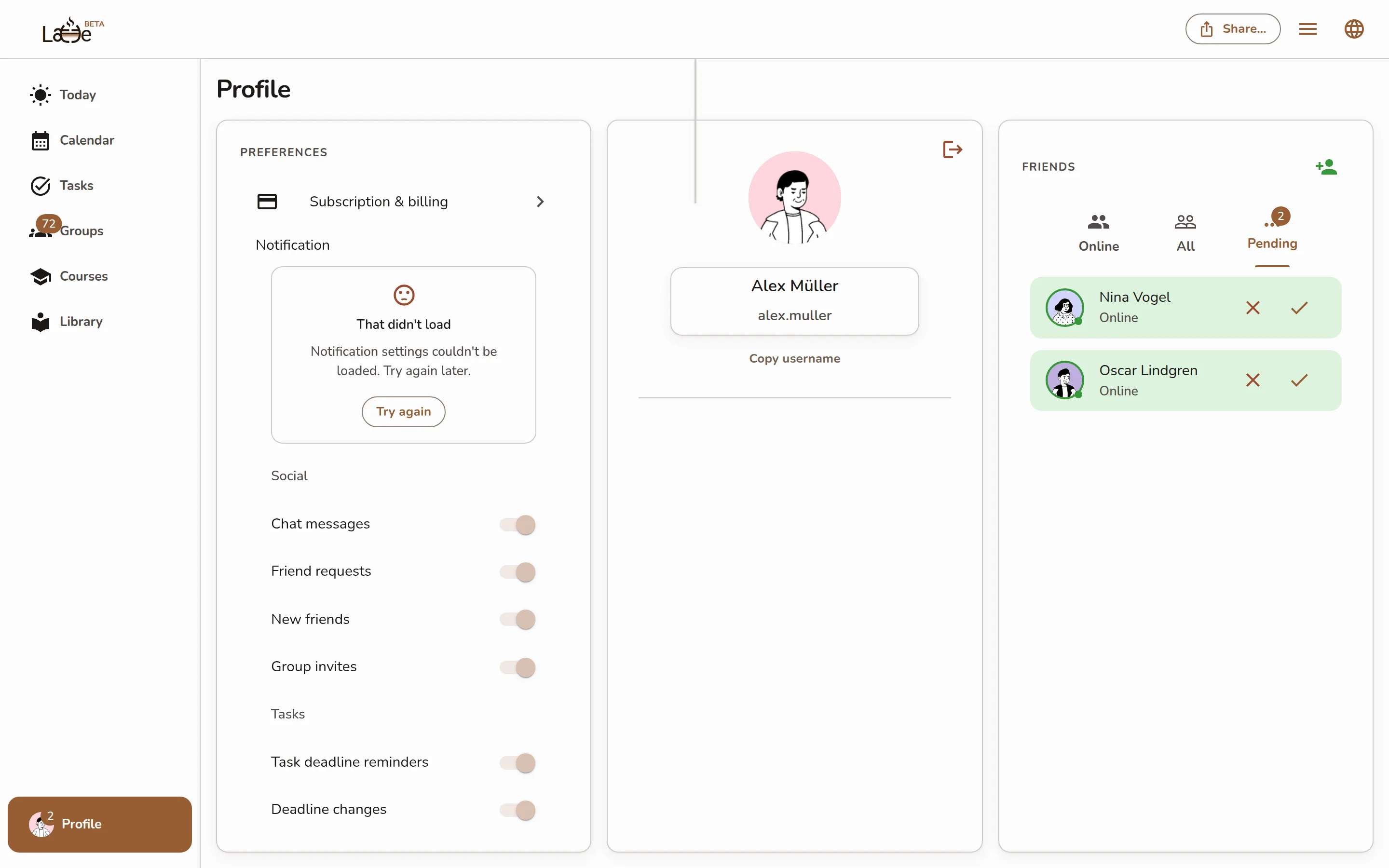
The Pending tab of the Friends panel showing received (Accept/Refuse) and Sent requests -
For a request someone sent you, click Accept to become friends or Refuse to decline.
-
For a request you sent, it shows Sent — click the cancel (X) icon next to it to withdraw the request.
-
Open your profile and tap Friends.
-
Pending requests appear at the top of the list under Pending friend requests.
Screenshot coming soonThe Pending friend requests section at the top of the mobile friends list -
Tap Accept or Refuse on a request someone sent you.
-
Tap the cancel icon on a request you sent to withdraw it.
Accepting a request adds the person to your friends list on every device in real time, and opens the door to a private chat with them.